
Earnings

Earnings is the fifth item in the bottom menu. The screen opens with the title “A new way to put your assets to work” and three cards: Secure and transparent, You in control, and DAO governance.
Piggy bank
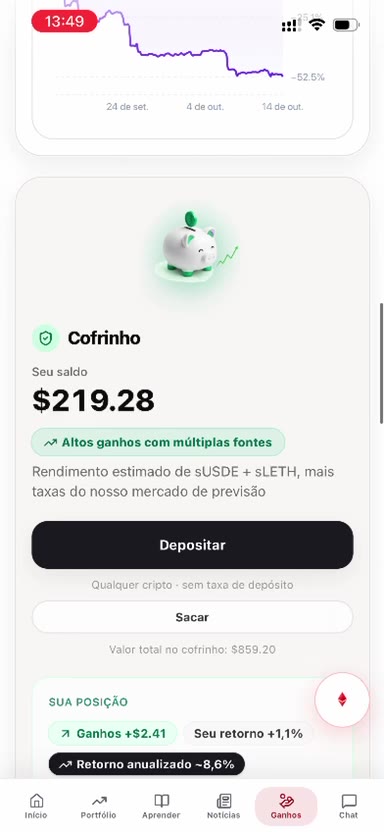
The Piggy bank card shows the balance, the Deposit and Withdraw buttons, and a position with an estimated return on the screen. The number changes. This article does not promise that result.
Deposit says it accepts any crypto and that there is no deposit fee. Withdraw shows the total in the piggy bank.
Shortcuts
Further down, the screen shows a card with the buttons Understand and Trade. The shortcuts that appear are Save in dollars, Grow with SLETH, and Buy Ether. The Swap block asks what is paid, what is received, and the amount, and ends at “Review swap”.